Quiz workflow guide
How to Save Time With AI Generated Quizzes Without Losing Quality
AI generated quizzes save the most time when you treat them as a first draft, not a final exam. Use NeuralRun Quizzes to create fast source-based practice, then move the keepers into Mind Prints when you want a reusable custom set.
How do AI generated quizzes save time?
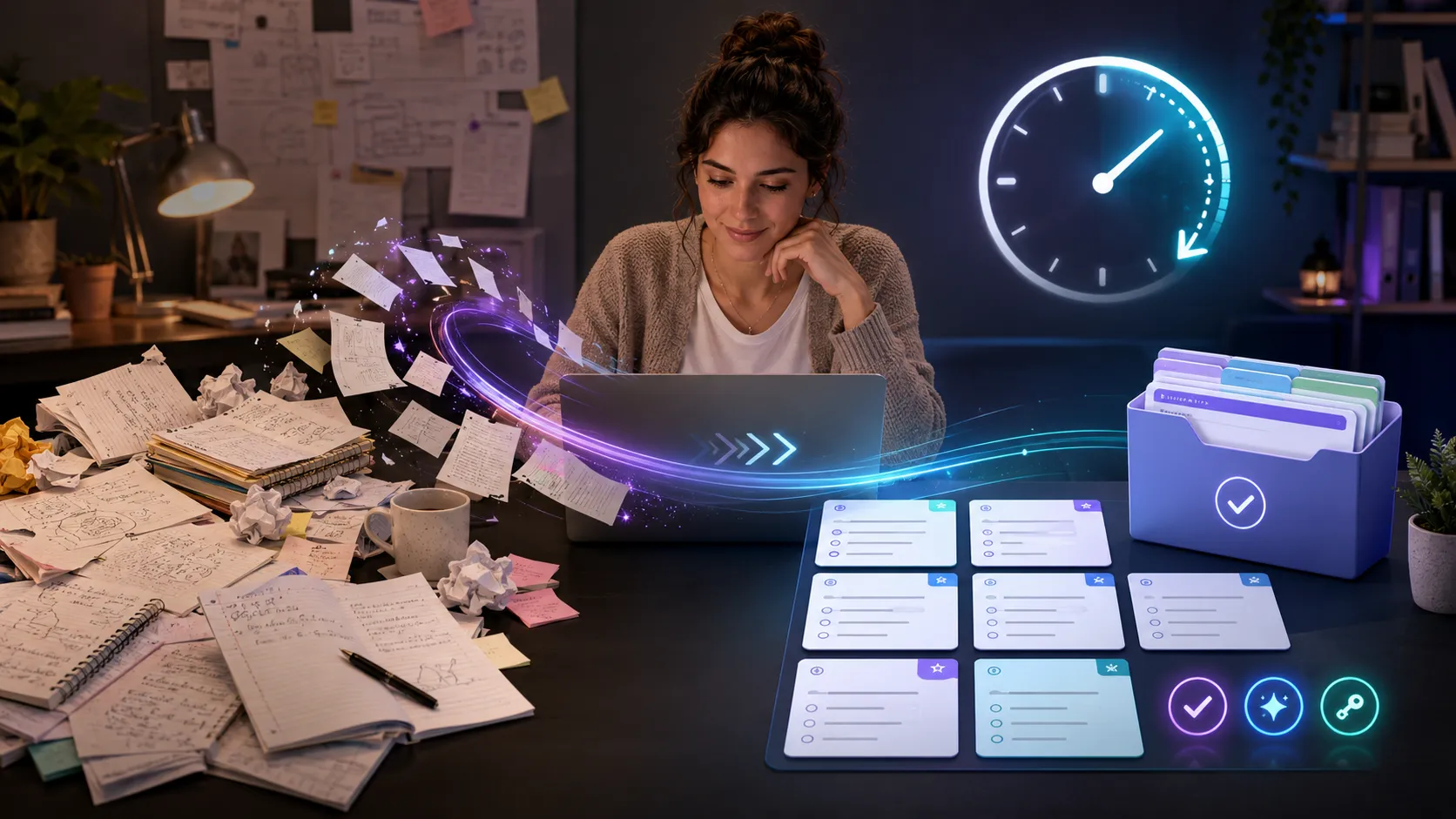
AI generated quizzes save time by turning existing material into a draft set of questions in minutes. The time gain is real, but the best workflow still includes source selection, answer review, and light editing.
Writing quiz questions from scratch takes longer than most people expect. You have to choose what matters, phrase the question clearly, create plausible wrong answers, and check the key. Automatic item generation is the broader field behind using systems to create assessment items from models or source material, and modern AI tools make that workflow more accessible for everyday study.
Research on question generation has long focused on helping teachers create quizzes more efficiently, but it also shows why review still matters. A 2022 paper on quiz design with automated question generation found that teacher acceptance of generated questions was useful but not perfect. That is the practical lesson: AI helps most when a human still decides what is good enough.
What is the fastest NeuralRun workflow?
The fastest NeuralRun workflow is: gather the source, generate in NeuralRun Quizzes, play or review the draft, then save the polished version in Mind Prints if you need to reuse it.
Start in NeuralRun Quizzes when you need speed. You can begin from a topic, pasted notes, or selected PDF pages. For study sessions, this is usually enough to get moving. Tutor mode is helpful when the learner needs feedback. Exam mode is cleaner when you want a quieter test-like run. Survival mode adds pressure when repetition needs energy.
Move to Mind Prints when the quiz becomes a keeper. Maybe you want a chapter review for next month, a hand-edited vocabulary check, or a family study set that repeats before the final. Mind Prints is the place for durable custom quizzes because you can control the wording instead of regenerating from scratch every time.
What source material should you use?
Use the same material the learner needs to know: class notes, a chapter excerpt, a study guide, a PDF page range, or a focused topic. Better input creates better quiz drafts.
A broad prompt like "make a biology quiz" can produce decent general questions, but it may miss the actual lesson. A tighter source, such as "cell organelles from pages 12-18 of this handout," gives the quiz a better target. For teachers, this keeps the quiz closer to the learning objective. For parents and students, it reduces wasted review time.
This is also where source-grounded AI matters. If the quiz is meant to reinforce real material, the generator should not wander into unrelated facts. Practice questions are useful because they support active recall, often discussed as the testing effect. NeuralRun Quizzes is designed around source-aware quiz generation so the draft is easier to check and easier to trust.
How do you review AI-generated quiz questions quickly?
Review the answer key first, then scan question wording, difficulty, and distractors. Delete weak questions instead of trying to rescue every item.
Use a four-pass review. First, check whether each answer is actually correct. Second, make sure the question asks one clear thing. Third, check whether the wrong answers are plausible but not unfair. Fourth, ask whether the difficulty matches the learner. A quiz that is technically accurate but wildly too hard is still the wrong quiz.
If the quiz is for solo study, you can be lighter. A few imperfect questions are not a disaster if the learner treats them as prompts for review. If the quiz is for a classroom, group, or grade, be stricter. The more official the quiz feels, the more carefully it should be checked.
When should you use NeuralRun Quizzes versus Mind Prints?
Use NeuralRun Quizzes for fast generation and study modes. Use Mind Prints when the quiz needs manual polish, repeated use, or exact wording.
NeuralRun Quizzes is the drafting engine. It helps you go from "we need practice" to a playable quiz without staring at a blank page. Mind Prints is the editing bench. It helps you keep the best questions, fix the almost-good ones, and build a custom quiz library over time.
Together, they create a useful loop: generate, test, revise, save. A teacher might generate a quick exit ticket in NeuralRun Quizzes, notice three questions worth keeping, then rebuild those in Mind Prints for next semester. A parent might generate a practice quiz from notes, then make a shorter Mind Print from the questions the child missed. A student might use NeuralRun Quizzes for broad review and Mind Prints for the "I always forget this" pile.
What is the biggest mistake?
The biggest mistake is using AI generated quizzes as if speed automatically equals quality. The goal is to save time on drafting, not skip thinking.
AI can remove a lot of busywork. It can suggest questions, vary difficulty, and create practice from source material quickly. But the final quiz still needs a purpose. Are you checking recall? Diagnosing confusion? Preparing for a test? Running a review game? The answer changes the format.
Once the purpose is clear, AI becomes a strong assistant. NeuralRun Quizzes helps create the draft. Mind Prints helps keep the best version. Your review keeps the quiz honest.
AI generated quiz FAQ
Can AI make a quiz from notes?
Yes. NeuralRun Quizzes can generate practice from pasted notes, topics, or selected PDF pages.
How many questions should I generate?
For quick review, start with 5 to 12 questions. Generate more only when you have time to review them.
Can I reuse an AI-generated quiz?
Yes. Save or rebuild the best questions in Mind Prints when you want a durable custom set.